To split and beyond.
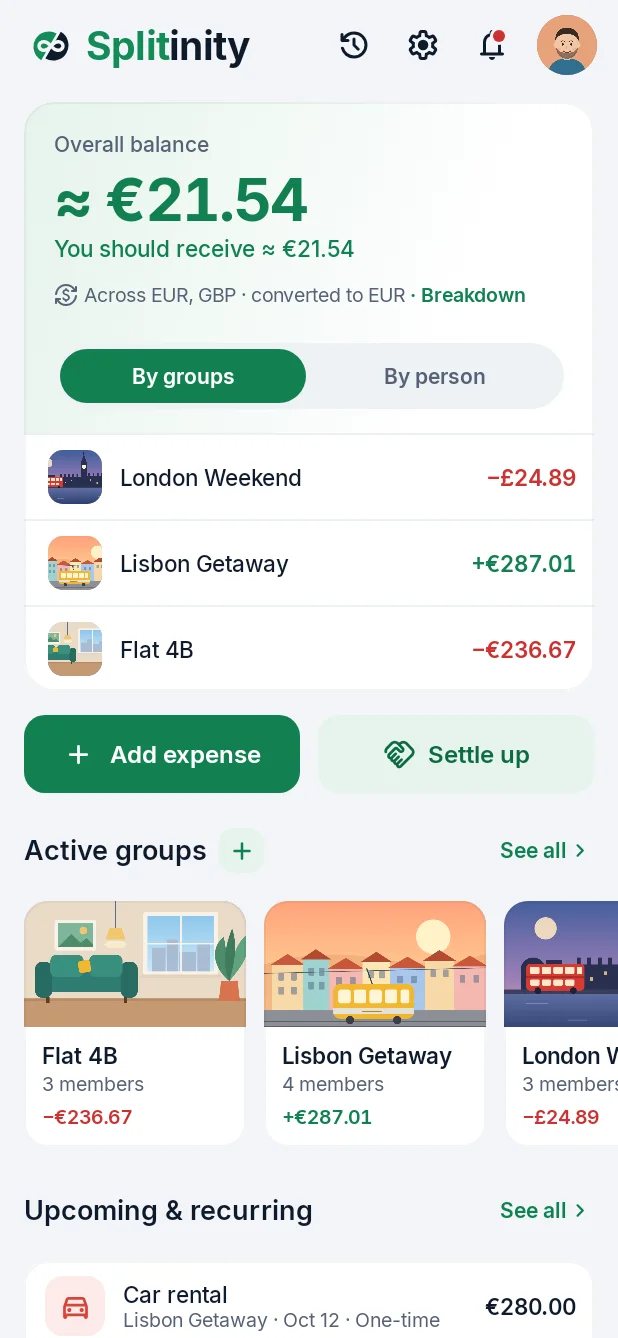
Share costs with friends, flatmates and family, in any currency. Splitinity keeps track of who owes what and settles it in a tap.
Any currency
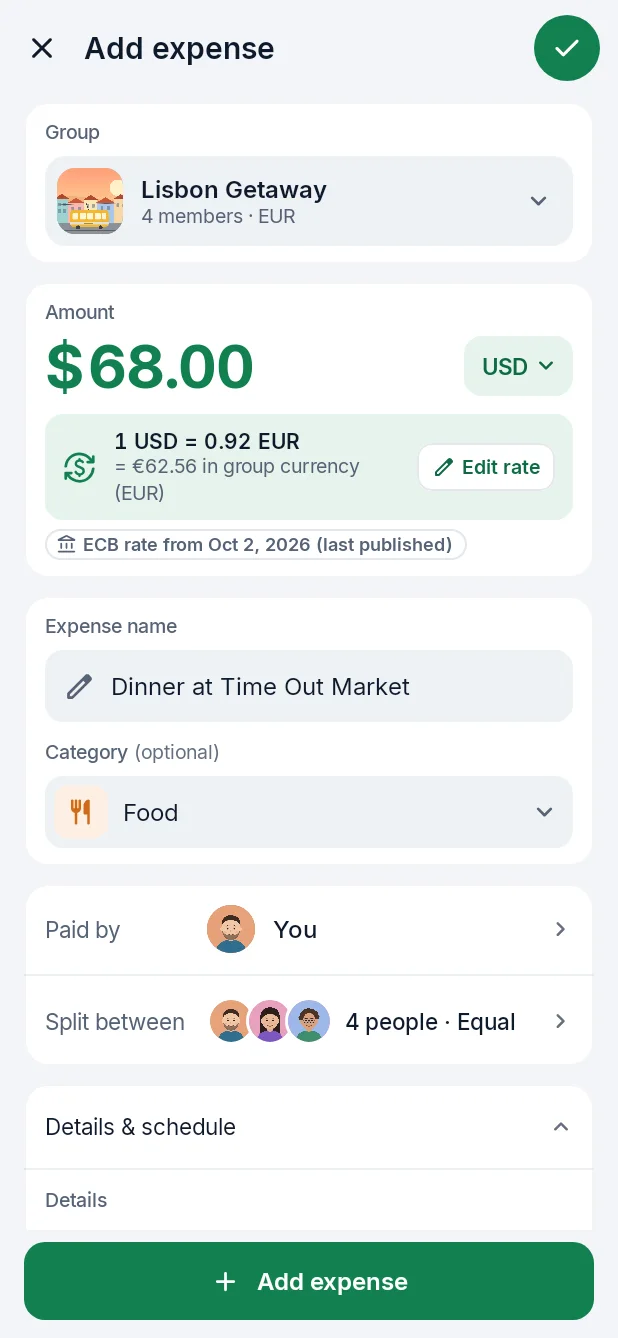
Pay in dollars. Split in euros.
Add an expense in whatever you paid with. Splitinity converts it with the official European Central Bank rate for that day, and shows you exactly where the number came from.
 You⅓+1¢€33.34
 Dani⅓€33.33
 Denis⅓€33.33
Exact to the cent
Every cent lands somewhere.
Split equally, by amounts, percent, shares or item by item off the bill. Leftover cents are always given to someone, so totals add up perfectly, every time.
Settle up
Two groups. One payment.
Owe Denis for London, but he owes you for Lisbon? Splitinity nets it out across groups, even when one counts in euros and the other in pounds, then records the payment in each one.
And the little things
Try it
A weekend in Lisbon.
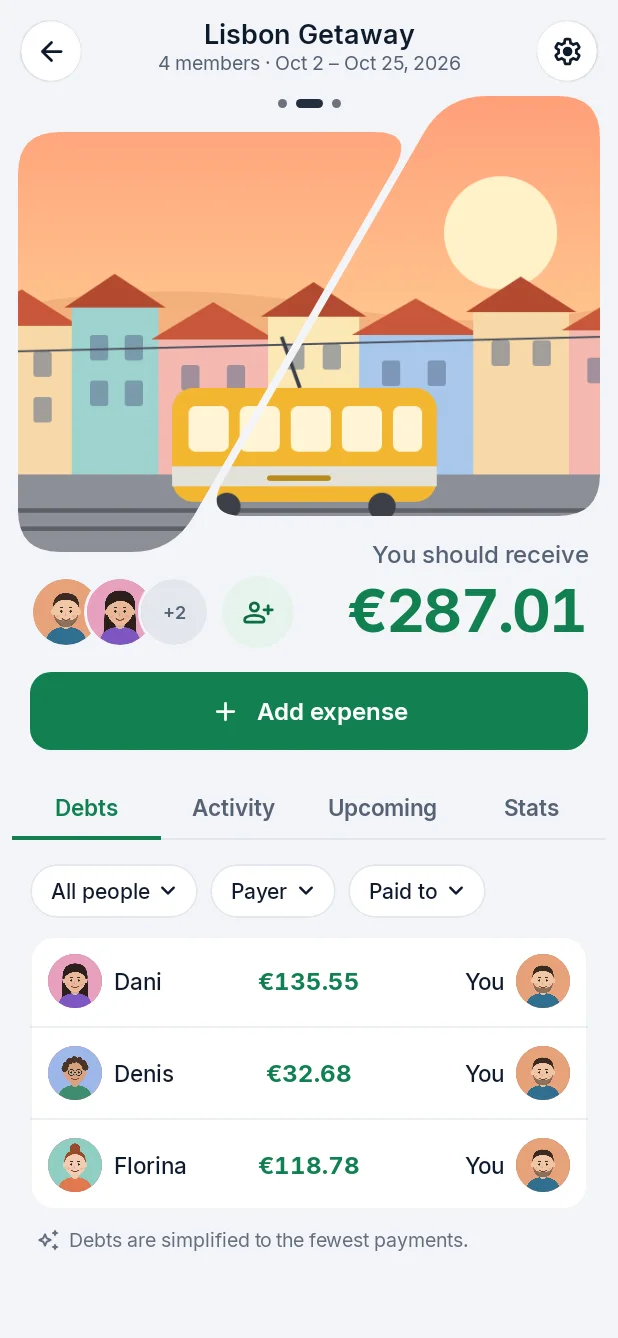
Four friends, four expenses, three currencies. Change who paid, what it cost or who came along, and watch who owes whom.
Questions
Is Splitinity free?
Yes, it's free to download and use: groups, expenses in any currency and settling up. An optional paid plan with extras may come later.
Which currencies can I use?
About 30: every currency the European Central Bank publishes a rate for, including the euro, US dollar, pound, Swiss franc, Romanian leu, Polish złoty and yen. Each group counts in one currency, and each expense can be in any of them.
Where do the exchange rates come from?
From the European Central Bank's reference rates, published every working day. An expense uses the rate for its date (on weekends and holidays, the last one published), and you can type your own rate when you paid a different one.
Does it work offline?
Yes. You can see your groups, balances and history, and add expenses without a connection; they're sent as soon as you're back online. Settling up and changing expenses already saved need a connection.
How does it decide who pays whom?
It adds up every expense and payment in the group and works out the fewest payments that settle everyone. You can turn this off in a group's settings to see each person's debts directly.
Do my friends need the app too?
Yes, everyone in a group uses the app, so they see the same numbers you do. Invite them with a link or a QR code.
Who can see my expenses?
Only the people in the group. Nobody else, and we don't sell your data.
Where is my data stored?
On servers in the European Union, and it's sent encrypted.
How do I sign in?
With your Google account, or with a 6-digit code we email you. There are no passwords to remember.
Can I delete my account?
Yes, anytime, in the app under Profile. Your past expenses stay in your groups as "Deleted user", so everyone else's balances stay right.
Is there an iPhone app?
It's on its way: Splitinity will come to Android and iPhone at the same time.